SpeedJG - Overview
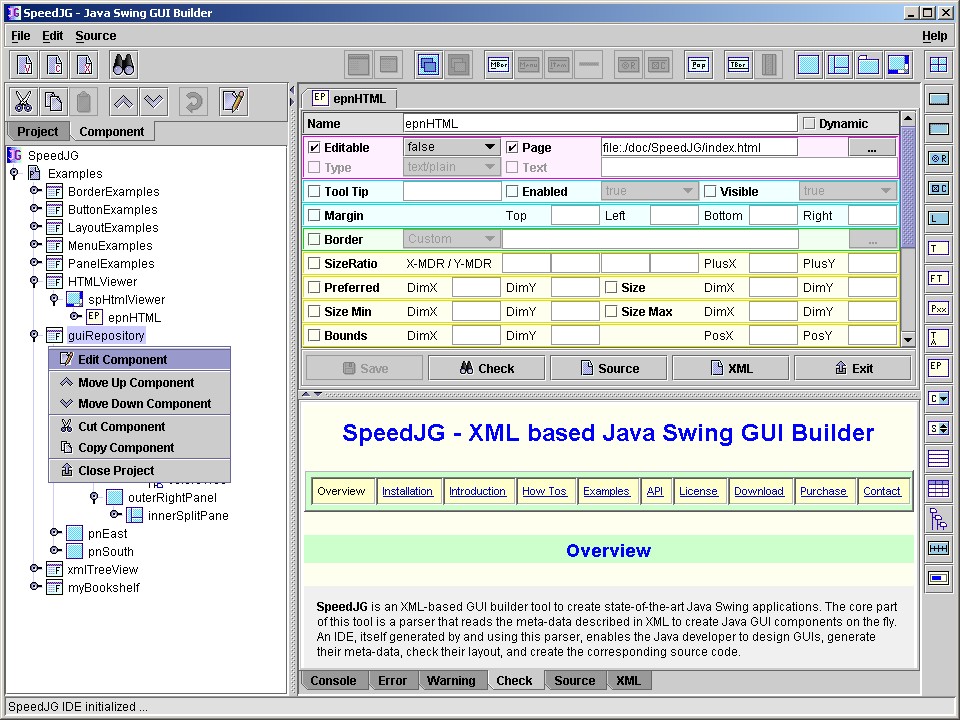
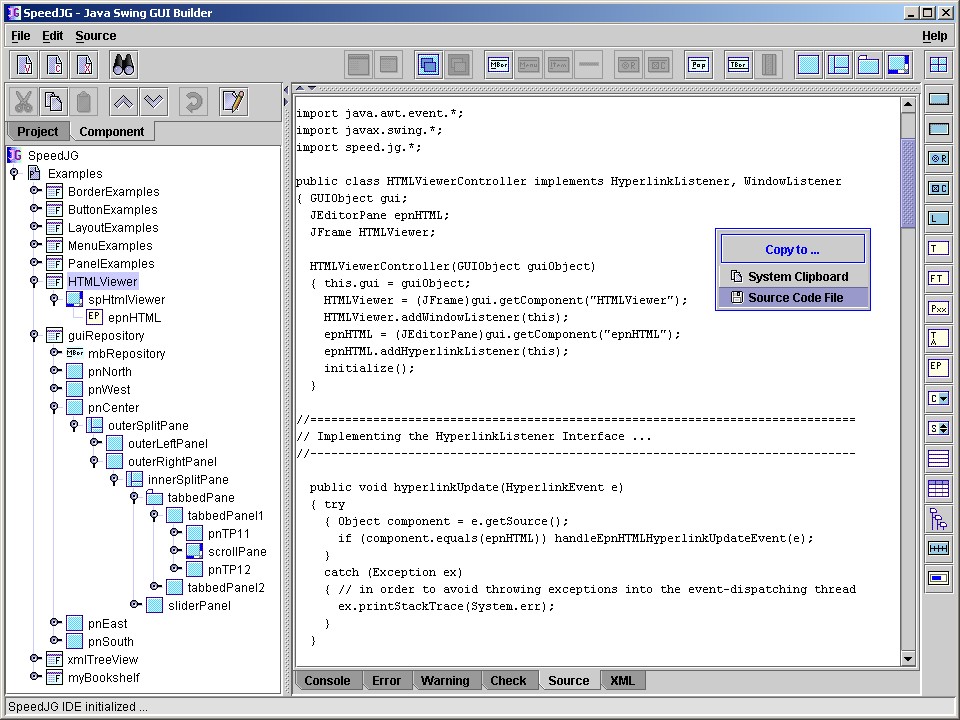
SpeedJG is an XML-based GUI builder tool to create state-of-the-art Java Swing GUI applications, user interfaces, and frontends. The core part of this Java GUI builder is a parser that reads the meta-data described in XML to create Java GUI components on the fly. An IDE, itself generated by and using this parser, enables the Java developer to design and rapid prototype a GUI, generate the meta-data, check the layout, and create the corresponding source code.
Ten good reasons to use SpeedJG as your Java Swing GUI Builder:
- This GUI editor is not bound to a specific Java software development environment. It can be used together with any currently established Java IDE or simply on its own.
- The meta data to describe the GUI layout is stored as XML because the structure of XML ideally fits to the hierarchical structure of Swing (JFrame, JPanel, JComponent. etc.). In addition, this format is readable on any platform. Therefore you are able to share your Swing GUI e.g. with your friends and / or colleagues regardless which platform or Java IDE they are using.
- By default this Swing GUI builder generates pure Java source code that is also executable without any .jar file to be licensed. Thus you don't have to study any new APIs when developing a Java GUI with SpeedJG.
- This GUI builder enables you to create complex GUIs because the structure of the components used corresponds to the structure of XML. Thus you can simply design multiple nested panels with different layouts (Swing is not VB). To see an example of a complex Swing GUI look at SpeedJG - the GUI of this application is entirely generated at runtime by this Java GUI builder tool!
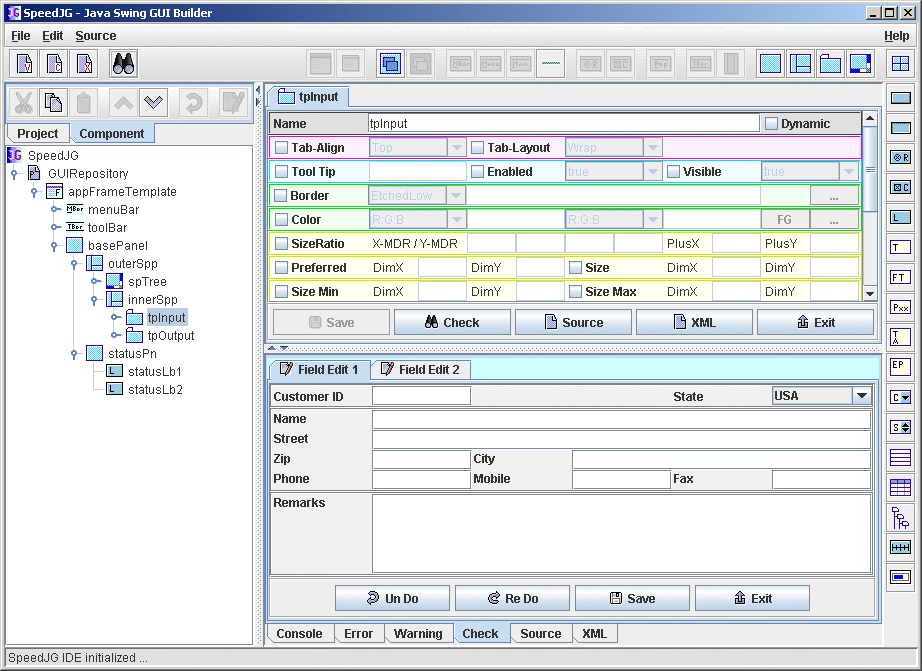
- With SpeedJG the developer of a Swing GUI is focused on the main properties when customizing a component. You are not overstressed with all possible properties from the inheritance hierarchy in alphabetical order. Instead, only those properties which are relevant in respect of the component currently to be customized are presented and ordered by importance.
- At any time you can check the layout and appearance of any (not only the top-level JFrame or JPanel) component without having to compile it before. This is done at the push of a button by interpreting the meta data stored as XML. When you're finished with your GUI you can export the source code into a Java source file of your choice and compile it from inside the Java IDE you use.
- This Java GUI builder enables you to edit in parallel as many Swing components as you want. Each component is edited within a tab of its own and can be checked for itself. After saving you can directly change to another tab, and if this is, for example, an editor of a parent component, you can check the effects in a superordinate context.
-
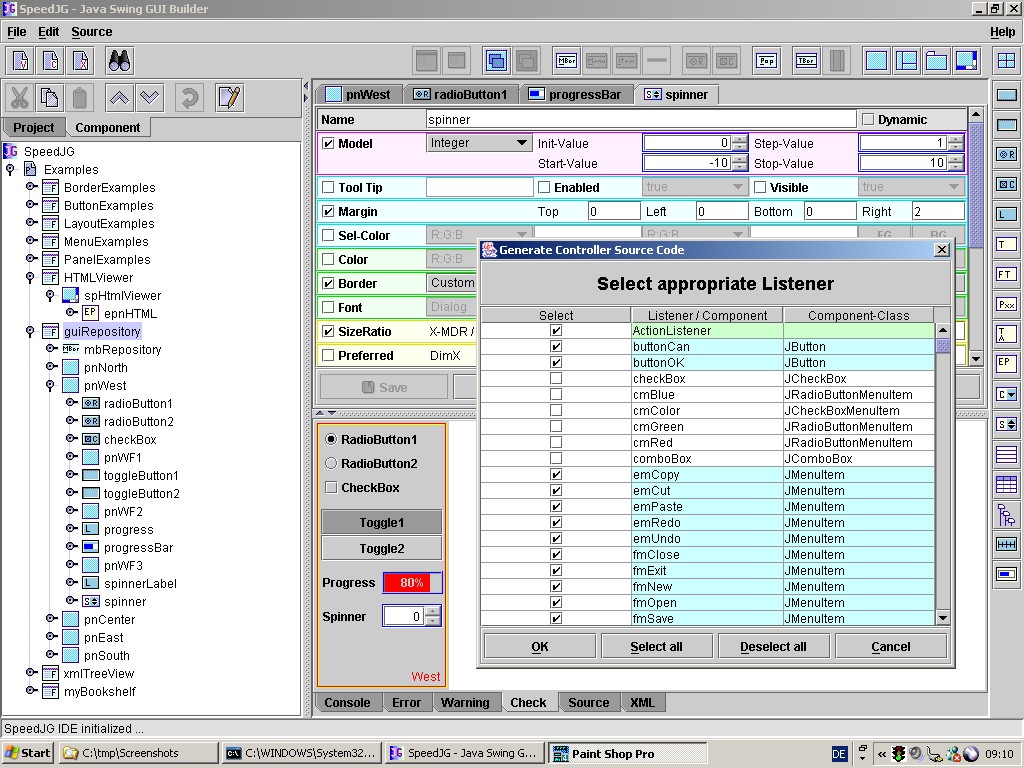
When generating Swing source code this Java GUI builder strictly follows the MVC approach by separating the GUI (view) code
from the controller code, and the model code, that's up to you as the developer.
To give an example of a multilingual Java GUI, this separation allows you to simply deliver the complete GUI object to a translator class that can access all the components by their name without any knowledge of the internal structure, and set the texts of the labels, buttons, frame titles etc., depending on the preferred user language. - When exporting the generated Swing source code into a file, this Java GUI builder by default only overwrites the previously generated code lines. Thanks to the clear-cut MVC separation you don't have to modify within the generated code lines but only within the stubs offered outside the generated code. Thus if you modify the layout of your GUI with this Swing GUI builder and re-generate the code, your individually added Java code lines handling the GUI access remain untouched and valid.
- Java Swing source code can be generated not only for top-level JFames or JDioalogs but basically for all components. When developing a very complex GUI this feature helps you - in conjunction with the MVC separation - to delegate self-contained GUI functionality to separate classes that handle parts of the whole application within their own responsibility.
Supported Swing Features
| Components |
JFrame, JDialog, JDesktopPane, JInternalFrame, JMenuBar, JMenu, JMenuItem,
JSeparator, JRadioButtonMenuItem, JCheckBoxMenuItem, JPopupMenu, JToolBar,
JToolBar.Separator, JPanel, JSplitPane, JTabbedPane, JScrollPane, Box,
JButton, JToggleButton, JRadioButton, JCheckBox, JLabel, JTextField,
JFormattedTextField, JPasswordField, JTextArea, JEditorPane, JComboBox,
JSpinner, JList, JTable, JTree, JSlider, JProgressBar
|
| Layouts |
BorderLayout, optionally aligned LEFT, CENTER, RIGHT),(for absolute positioning)
|
| Borders |
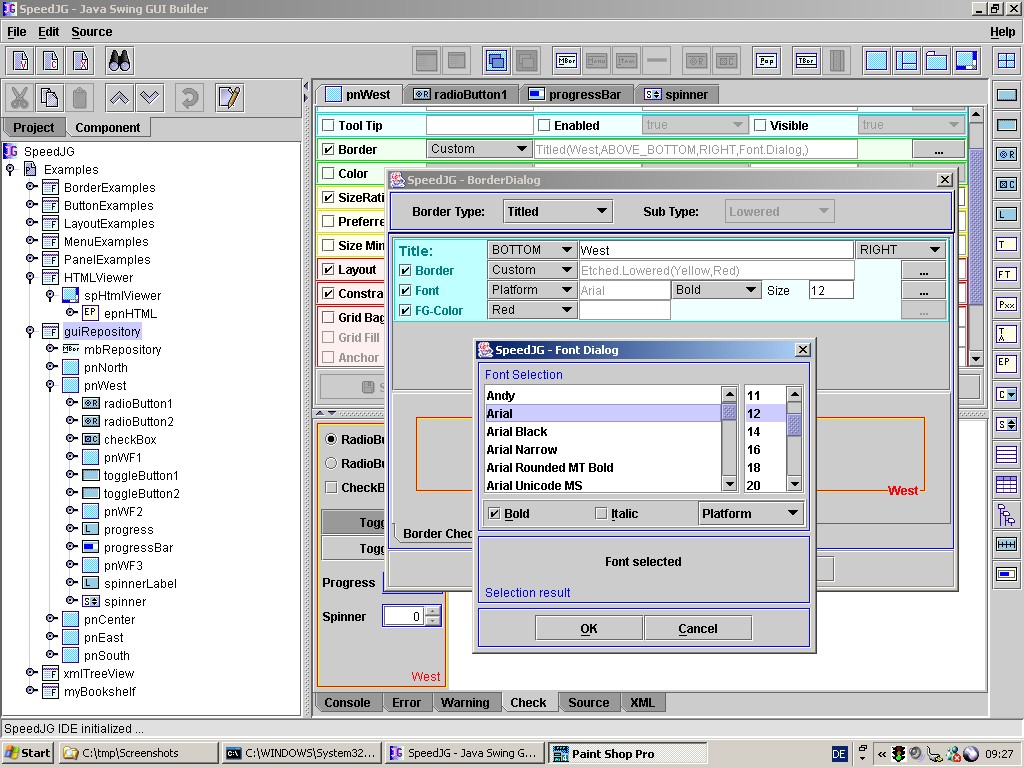
Bevel, Softbevel, Etched, Titled, Line, Compound, Matte, Empty
|
| Fonts | standard and platform dependent |
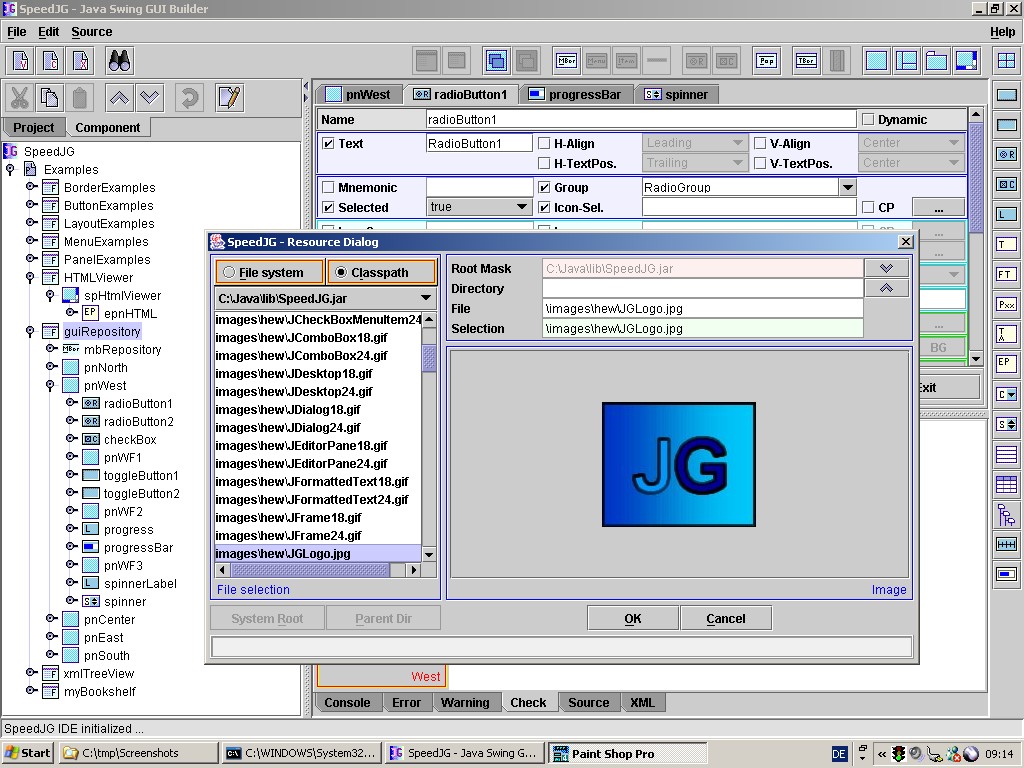
| Images | from file system or from CLASSPATH |
| Listeners |
ActionListener, CaretListener, ChangeListener, ComponentListener, FocusListener, HyperlinkListener,InternalFrameListener, ItemListener, KeyListener,
ListSelectionListener, MenuListener, MouseListener, MouseMotionListener
PopupMenuListener, TreeExplansionListener, TreeSelectionListener,
TreeWillExpandListener, WindowListener
|
Screenshots
Copyright © 2003 Wöhrmann Softwareentwicklung - Munich Germany